iPhone Dynamic Island Customization
40M+ watched this clever illusion, many downloaded the app
2025
•
Porto, Portugal
•
Independent Work
Highlights
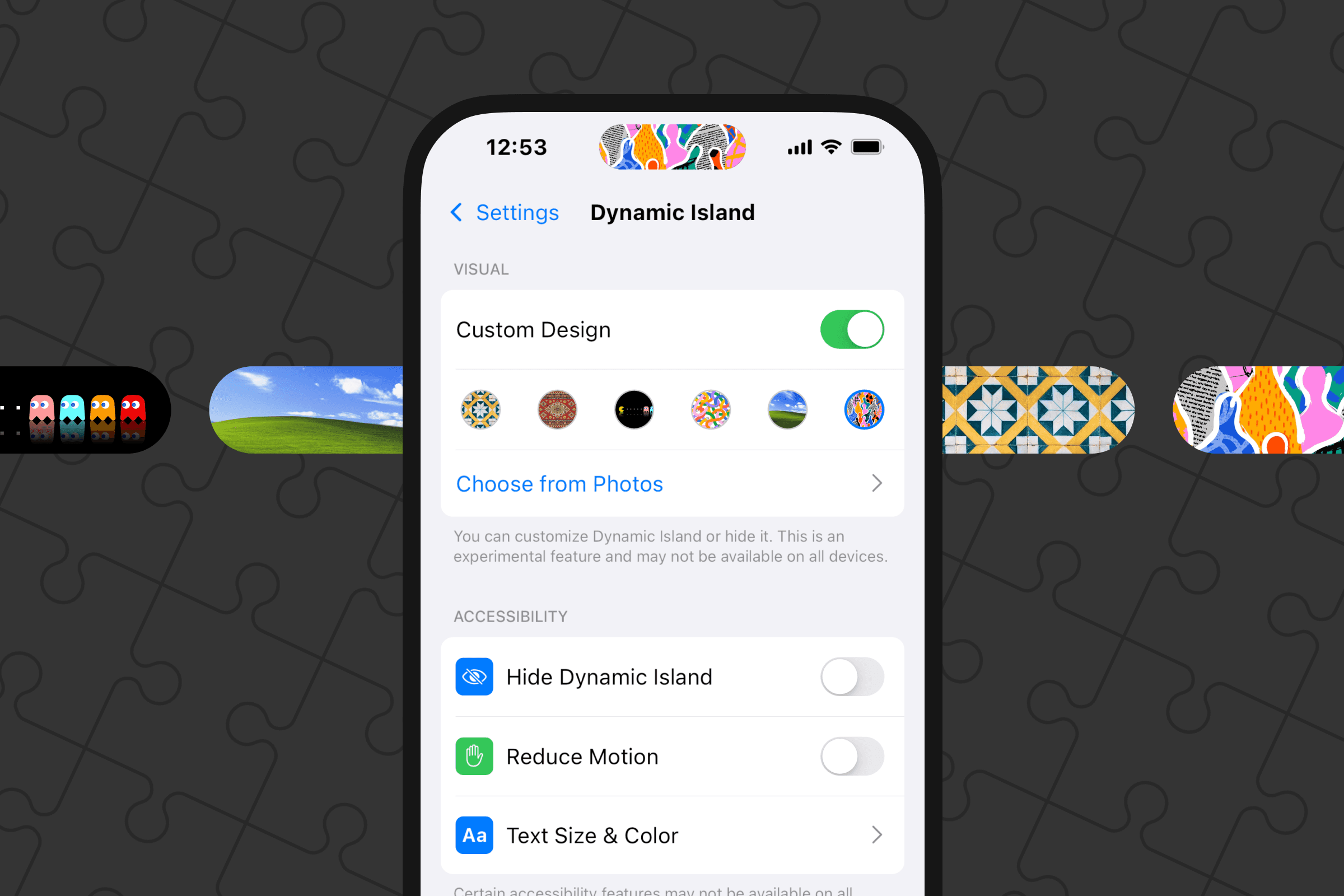
Dynamic Island Settings with a twist
Apple initially rejected the app as “not functional enough” - I appealed and got it approved
Prototype → Video → Figma Community file → iOS app
40M+ views on social media and thousands of comments
10K+ of Figma Community downloads
37K+ of App Store downloads
When Apple introduced Dynamic Island, I wanted to do something cool with it.
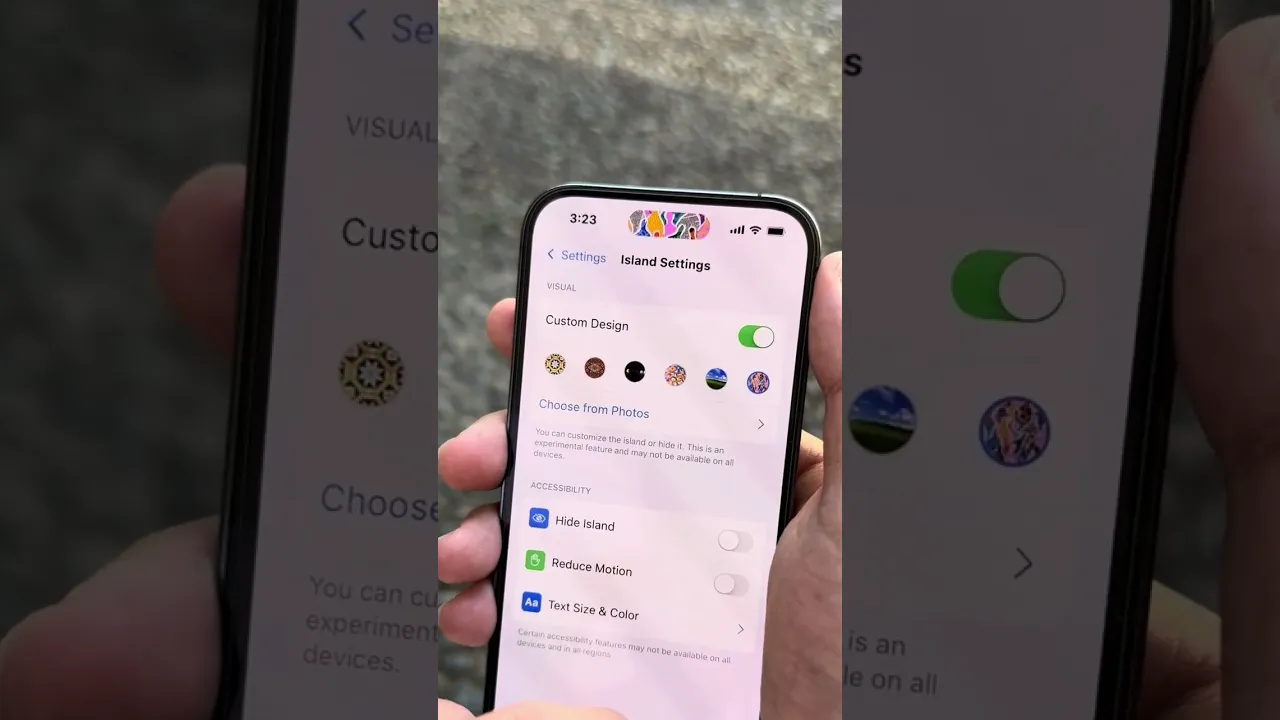
I drafted a few ideas and posted a couple of videos. One went viral (40M+ views): a Dynamic Island Settings prototype that let you change the color, set a background image, or even hide the cutout.
I designed the prototype upside down. You hold the phone upside down too, cover the real island at the bottom with your hand, and interact with the fake island on top. When you flip the phone, the settings UI looks normal because it was created that way from the start. I also added faint fake camera and sensor cutouts to match the real layout.
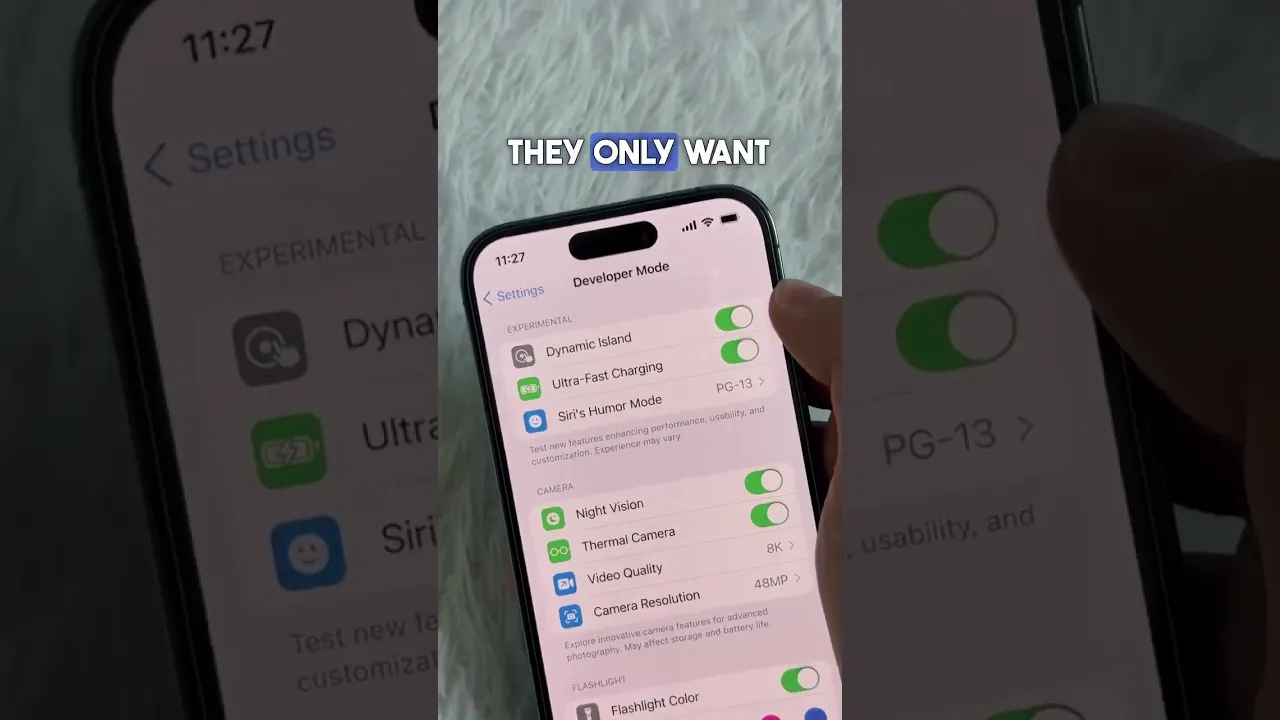
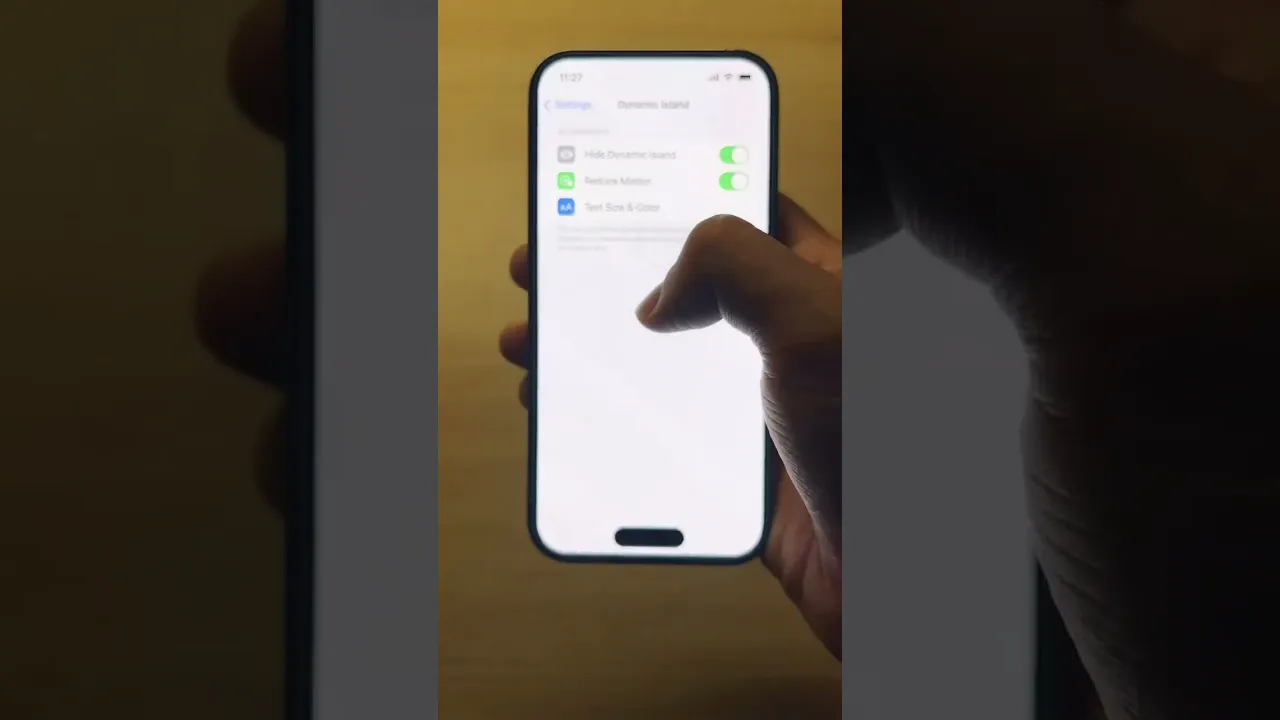
People argued in the comments about how it worked - some said it was editing, some said the phone was upside down, many people wanted to comment and it pushed reach.
People asked for a tutorial and the file, so I recorded a video and shared the prototype on Figma Community. More than 10,000 people copied it.
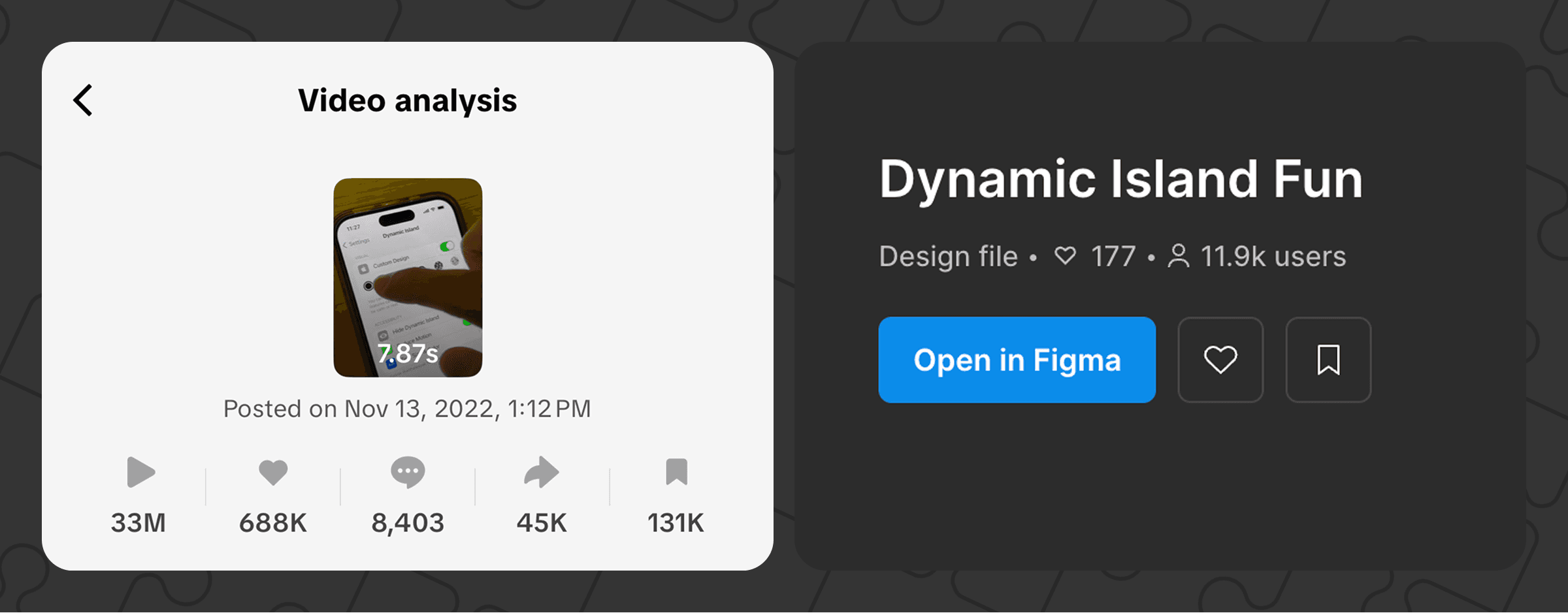
Then both comments and DMs asked for an app to prank friends, so I shipped Fake Island Settings on iOS. Apple rejected it at first (“not functional enough”). I appealed with proof of demand - millions of views, thousands of comments, thousands of Figma uses - and they approved it. The app got almost 40K of downloads, and I used it to promote my other projects and socials inside the app.
I also used the Product Page Optimization feature to improve impressions, page views, and conversion rate (Product Page Optimization is essentially A/B testing for the app icon and screenshots).
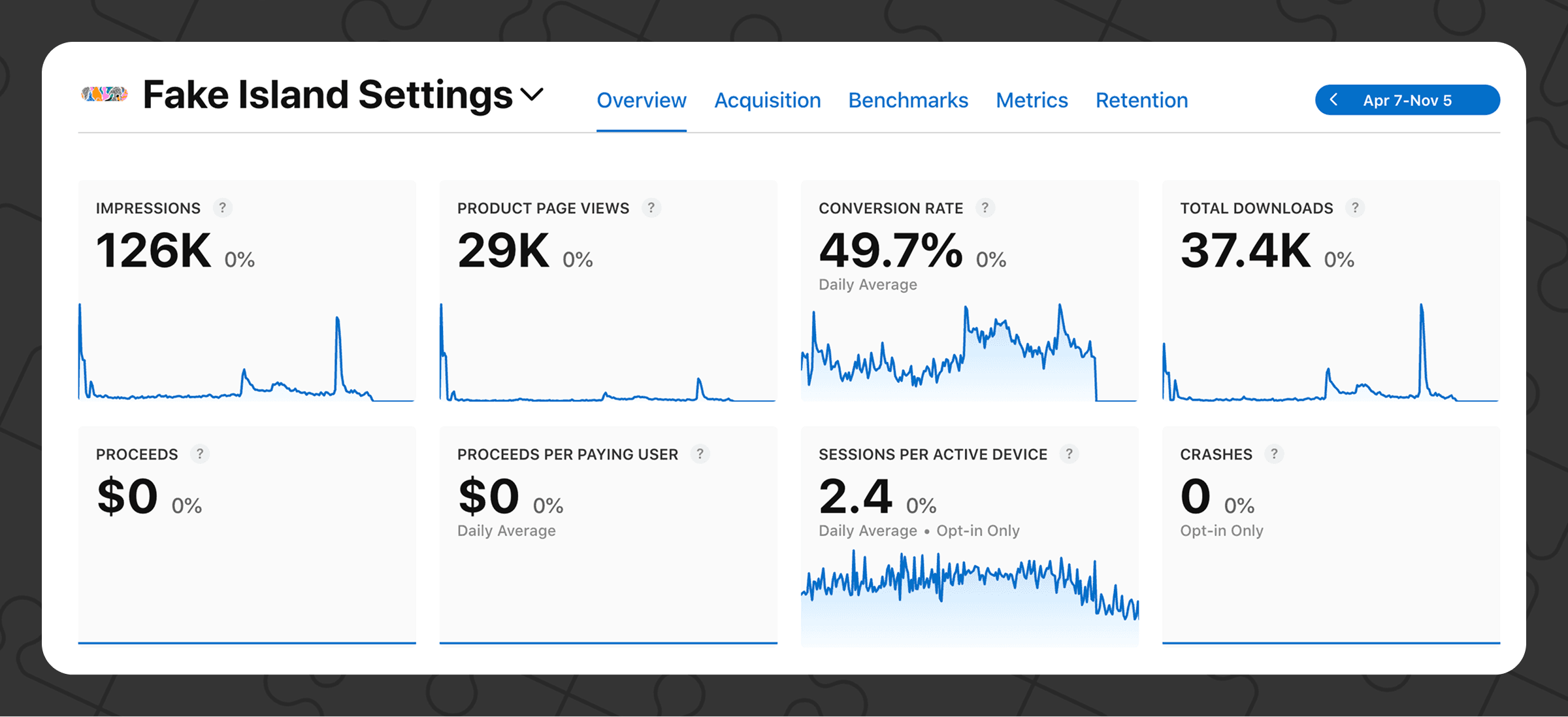
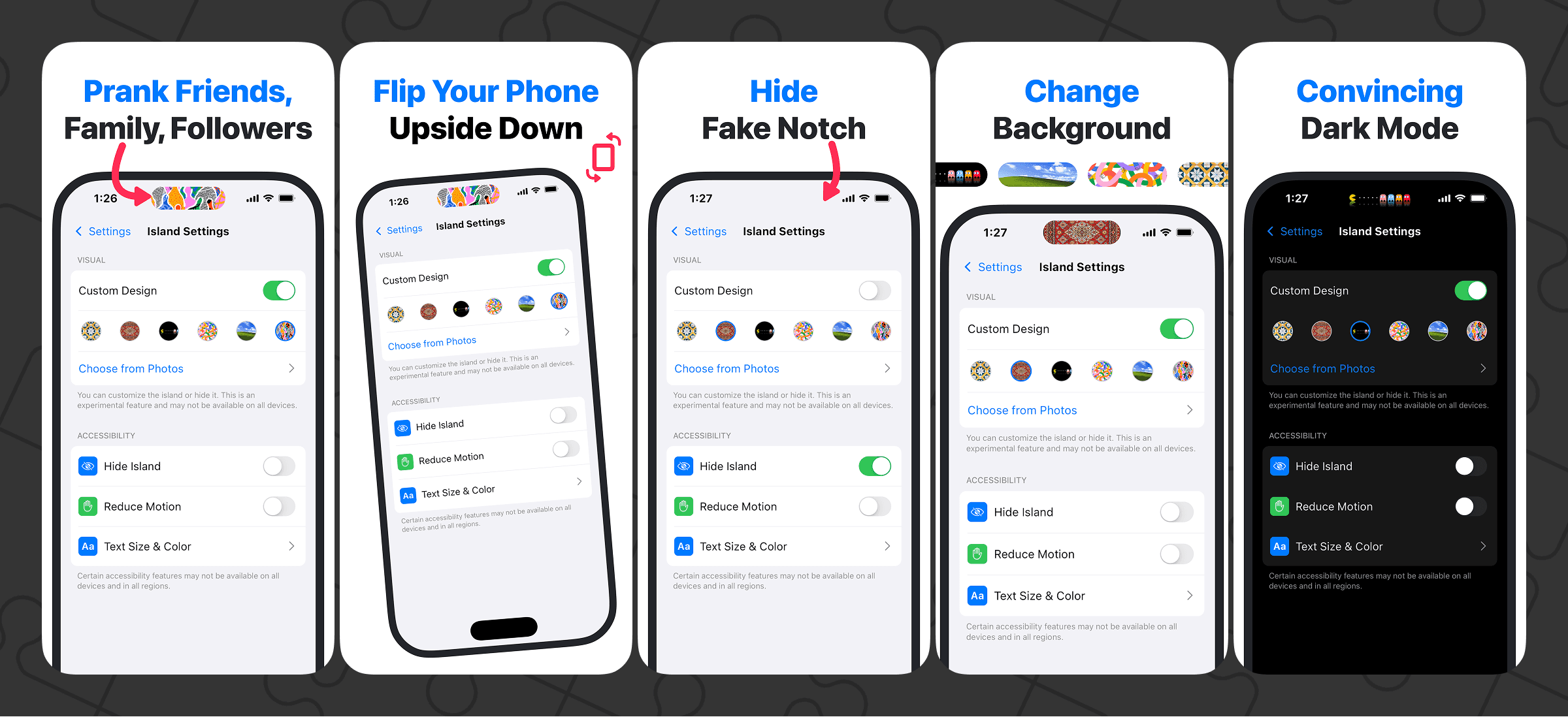
It started as a joke and a creative experiment, but the numbers made it worth turning into a small product. It was fun to make, fun to share, and a simple growth engine for everything else.