
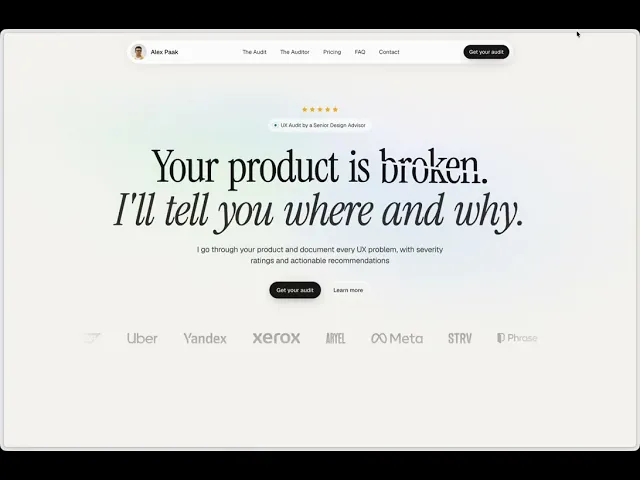
No Figma. No Code. No Problem.
A case study in pure design direction: what happens when execution is no longer your job
2026
•
Prague, Czechia
•
Independent Work
Highlights
16 hours of work
No traditional design or development software
99% AI direction
Claude Design, Claude Code, Refero Styles, Netlify, Stripe, Microsoft Clarity, Umami
Output: audit.alexpaak.com - live, analytics-tracked, payment-ready
Overview
I've been an AI enthusiast for years. I've vibe-coded apps and games using Cursor, Windsurf, Trae, and Antigravity. I've experimented with AI-assisted and fully AI-generated design using Google Stitch and Figma AI as soon as they launched.
So when I decided to launch a landing page for my UX audit service, I wanted to push further than I had before: no IDE, no Figma, no code editor - nothing except conversation with AI from first idea to live deployment.
The result is audit.alexpaak.com - a fully designed, developed, and deployed commercial website with payment processing and GDPR-compliant analytics. Total time: 16 hours.
Phase 1: Copy and Structure
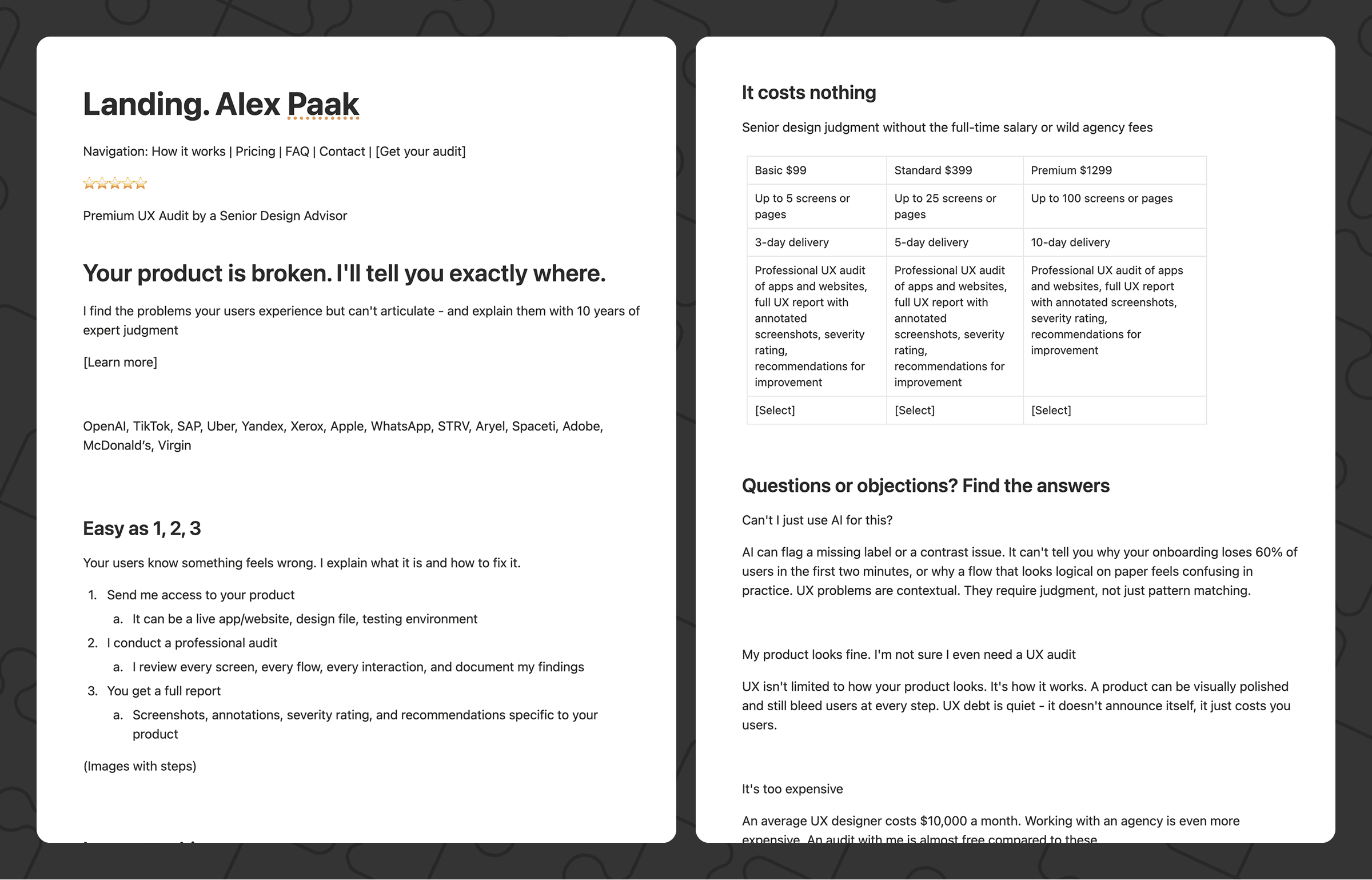
First I collaborated with Claude to write the website copy and define the page structure. Once the copy was solid, I prepared it as a PDF - a single structured document that I could hand off to Claude Design.
Phase 2: Finding the Right Design Language
I had a visual direction in mind but needed a precise system to build from. Rather than describing it from scratch, I browsed Refero Styles - a library of real design systems extracted from actual products.
Once I found a suitable style that matched my vision, I downloaded the Design.md file - a structured token reference covering colors, typography scales, spacing, border radii, shadows, and component guidelines.

Phase 3: Designing with Claude Design
First step was to sketch my vision of the page inside Claude Design.
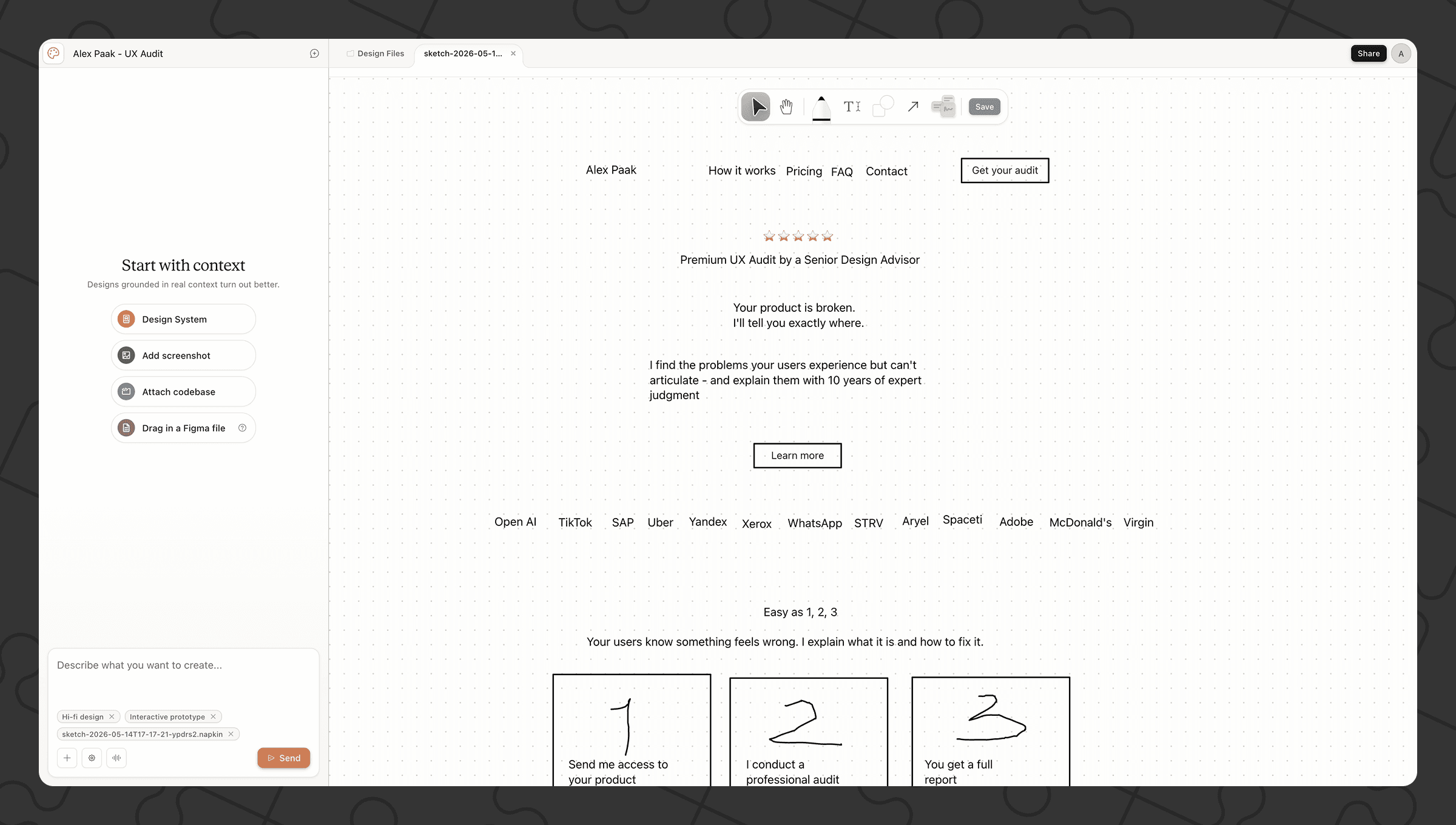
With the copy PDF, my hand-drawn sketch of the page structure, and the Design.md in hand, I started the first iteration.
Claude Design impressed me immediately. the first draft was already quite good. It understood the assignment and mostly respected the tokens and the copy provided. On the day I used it, it was the most capable AI design tool I had encountered.
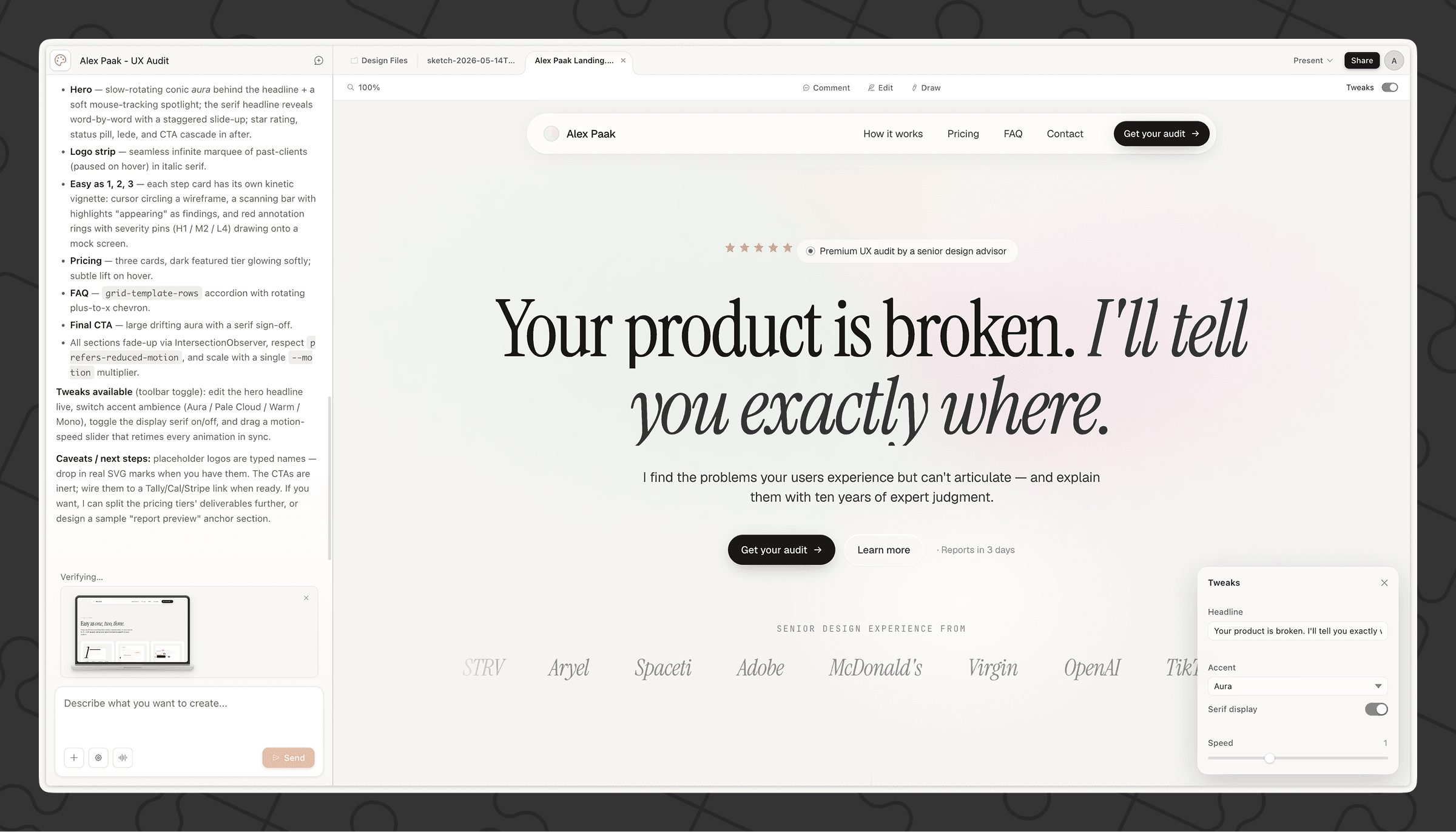
Over the following iterations, my role was purely editorial: I left comments, adjusted copy, pointed to specific elements and described what needed to change. No pixel manipulation. No layer panels. I worked as a design director.
When I reached the iteration limit, I had a solid, production-ready visual foundation.
Phase 4: Developing with Claude Code
I handed the design to Claude Code and shifted into development mode.
The early sessions were about translating the design into working HTML and CSS, preserving the tokens, and getting the responsive layout right. Assets (photos, logos, favicon, custom mouse pointers) were the only things I prepared myself.
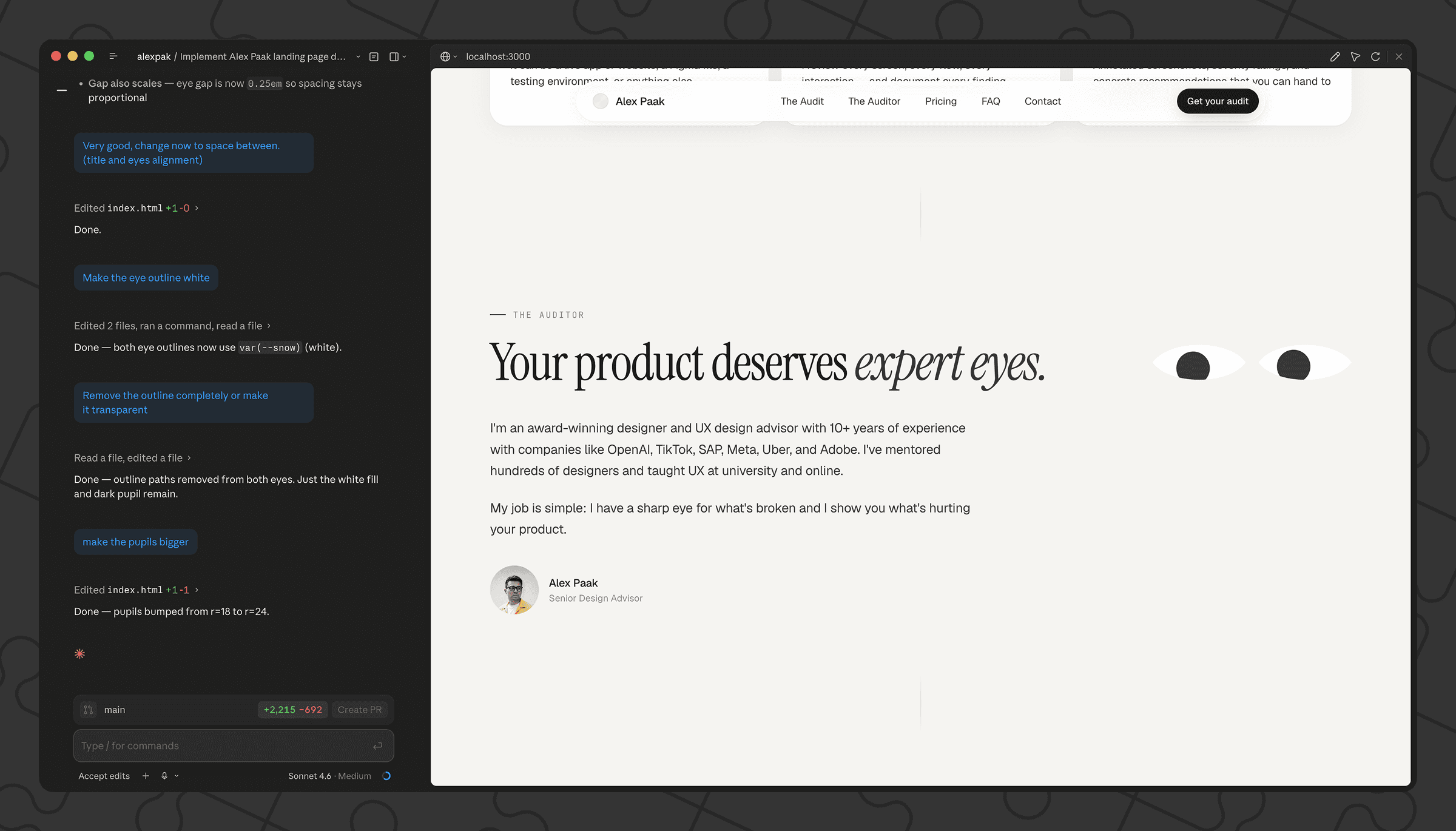
Then came the moments that made this project genuinely fun.
The hero section contained the phrase "Your product is broken". I saw an opportunity in the word "broken". I asked Claude to split it in half on page load and to make the mouse pointer push them further apart as the user moved around the page.
Another section read "Your product needs expert eyes". My vision: large illustrated eyes that blink and follow the mouse pointer as the user scrolls and moves through the page.
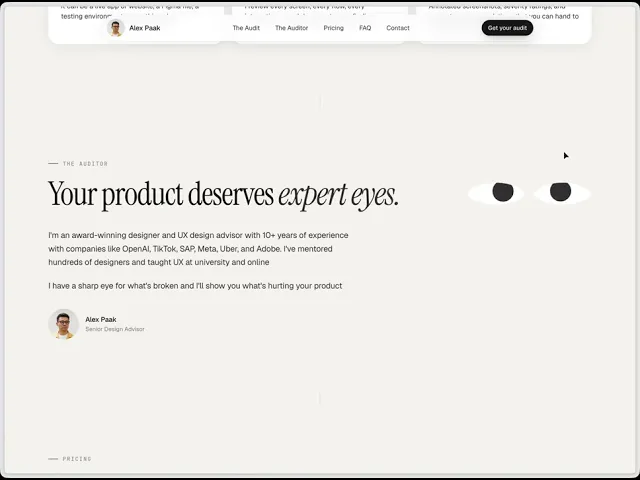
Claude was also able to code the following animations based on my descriptions.

Phase 5: QA Across Devices
Next I ran an audit (which felt fitting, given the service the page was selling).
I reviewed the site on desktop, tablet, and mobile, documenting bugs and improvements. I fed those findings back to Claude in batches. Several rounds of this got the page to a level I was happy to ship.
Phase 6: Deployment and Infrastructure
After countless changes and iterations and 16 hours work, it was time to deploy.
Deployment. I used Claude on Netlify to set up a subdomain and connected a GitHub repository for automatic deployment on push. The only manual step was creating the repo itself.
Analytics. I asked Claude to install GDPR-compliant page analytics - Microsoft Clarity and Umami Cloud. I provided the tracking IDs; Claude handled the integration.
Payments. We collaborated to write the Privacy Policy and Terms of Use, then set up Stripe for payment processing.
Meta and discoverability. Finally, we worked on page thumbnail automation, Open Graph metadata, and favicon.
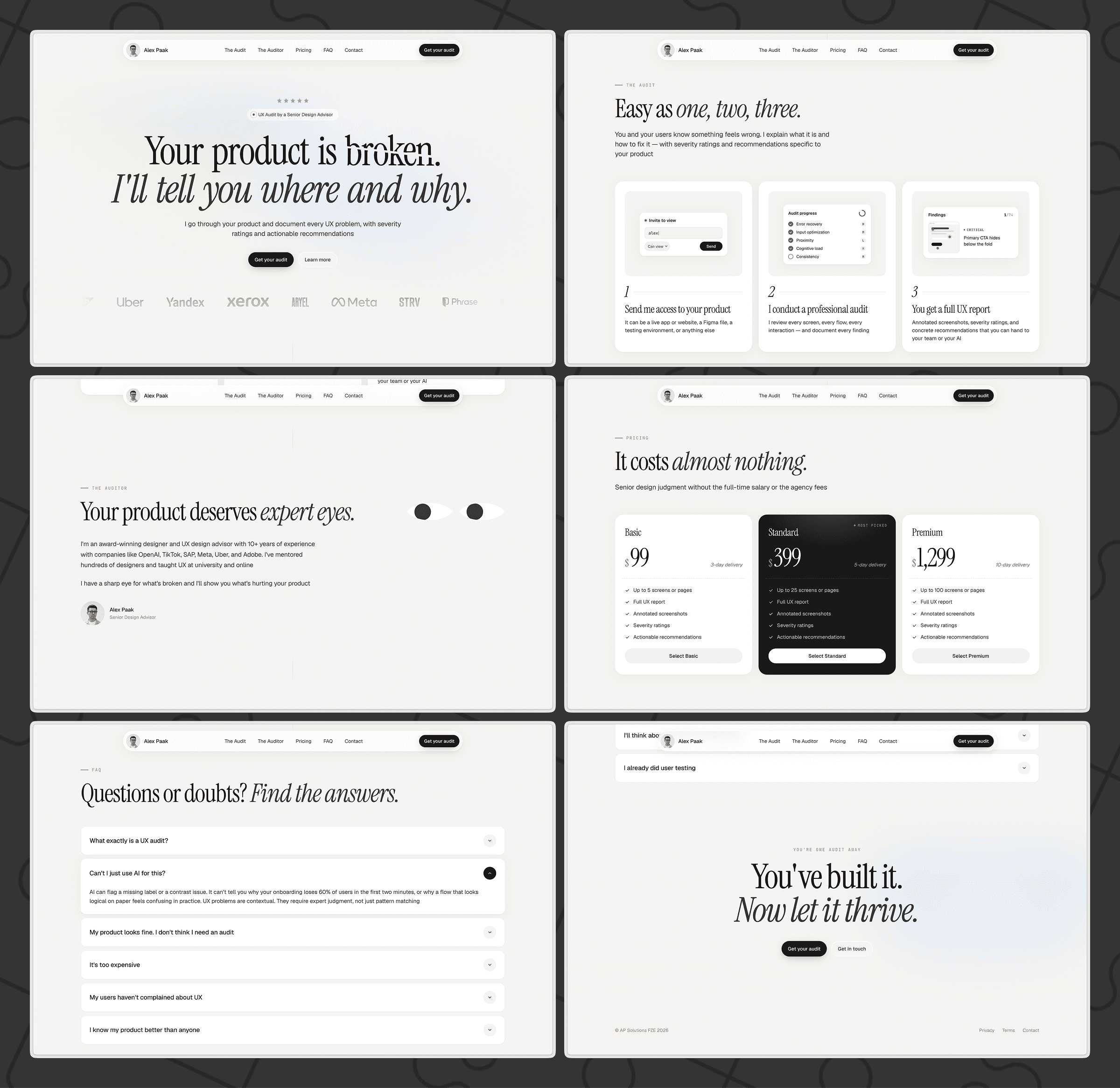
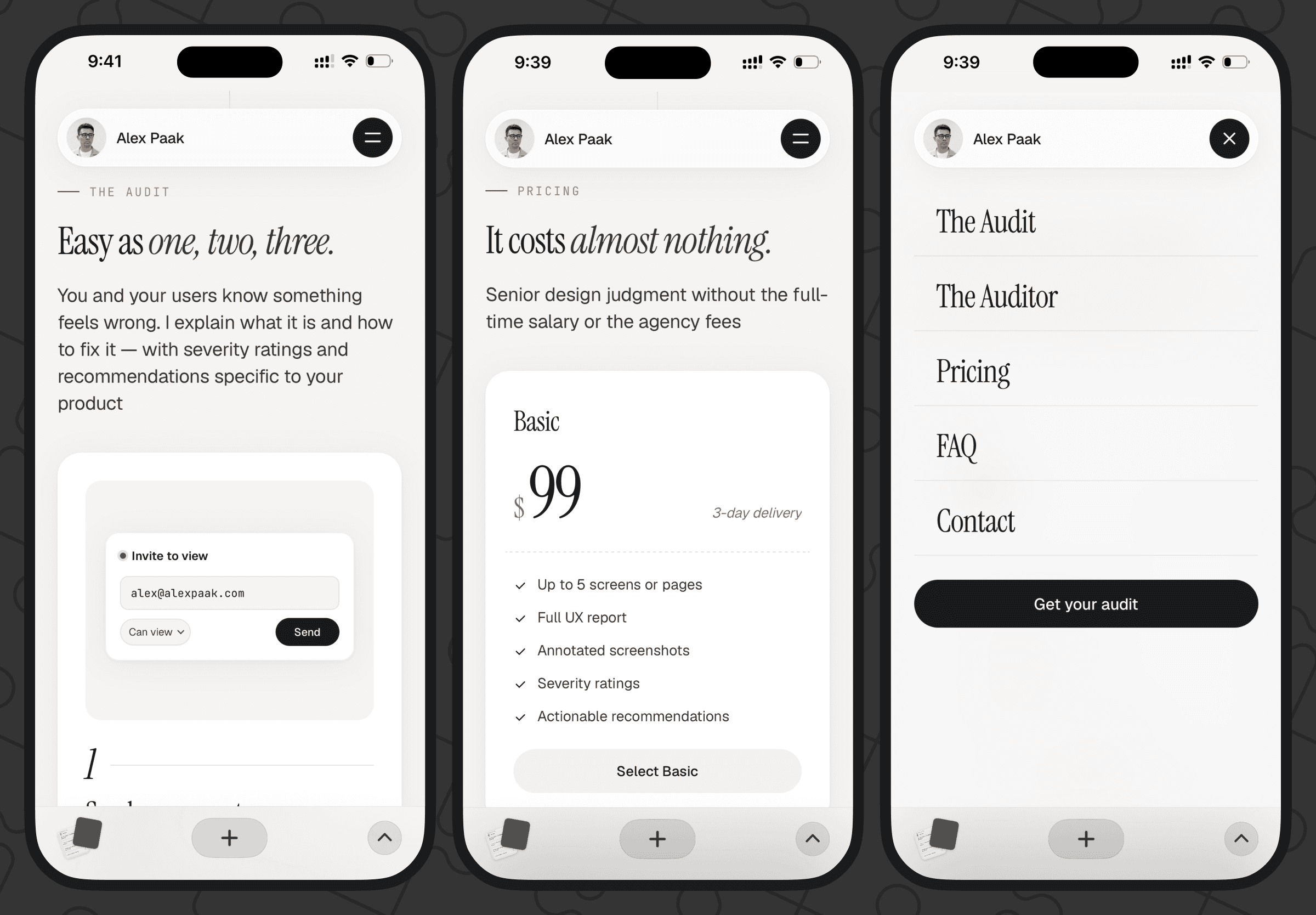
Reflections
Claude Design is genuinely impressive
The designer's job shifts, not disappears
AI removed the execution layer and left pure judgment and direction
What mattered:
Vision
Knowing what good looks, how things should work, how websites are made
Creativity
Precise instructions and descriptions